Example setup: Framing
Who it’s for: a framing crew tracking walls and hold-downs, level by level.
What they want to know: how many hold-downs of each model are in, and which ones failed inspection.
Use this as a starting list, and change whatever doesn’t fit.
What it looks like
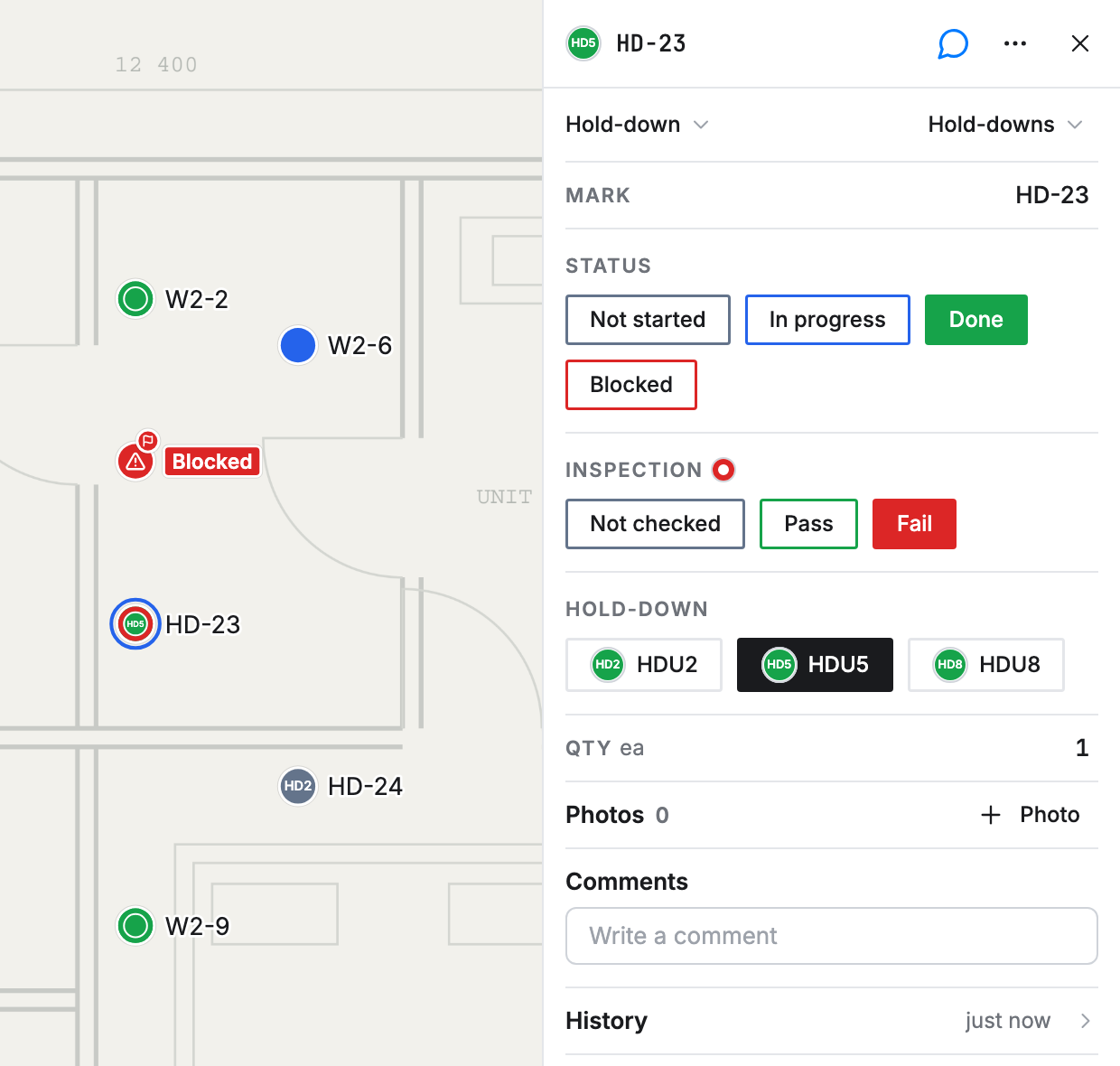
Section titled “What it looks like”Here’s this setup on a sample plan. Green is done, blue is in progress and gray hasn’t started. A red ring means it failed inspection, and a red warning icon is an Issue.
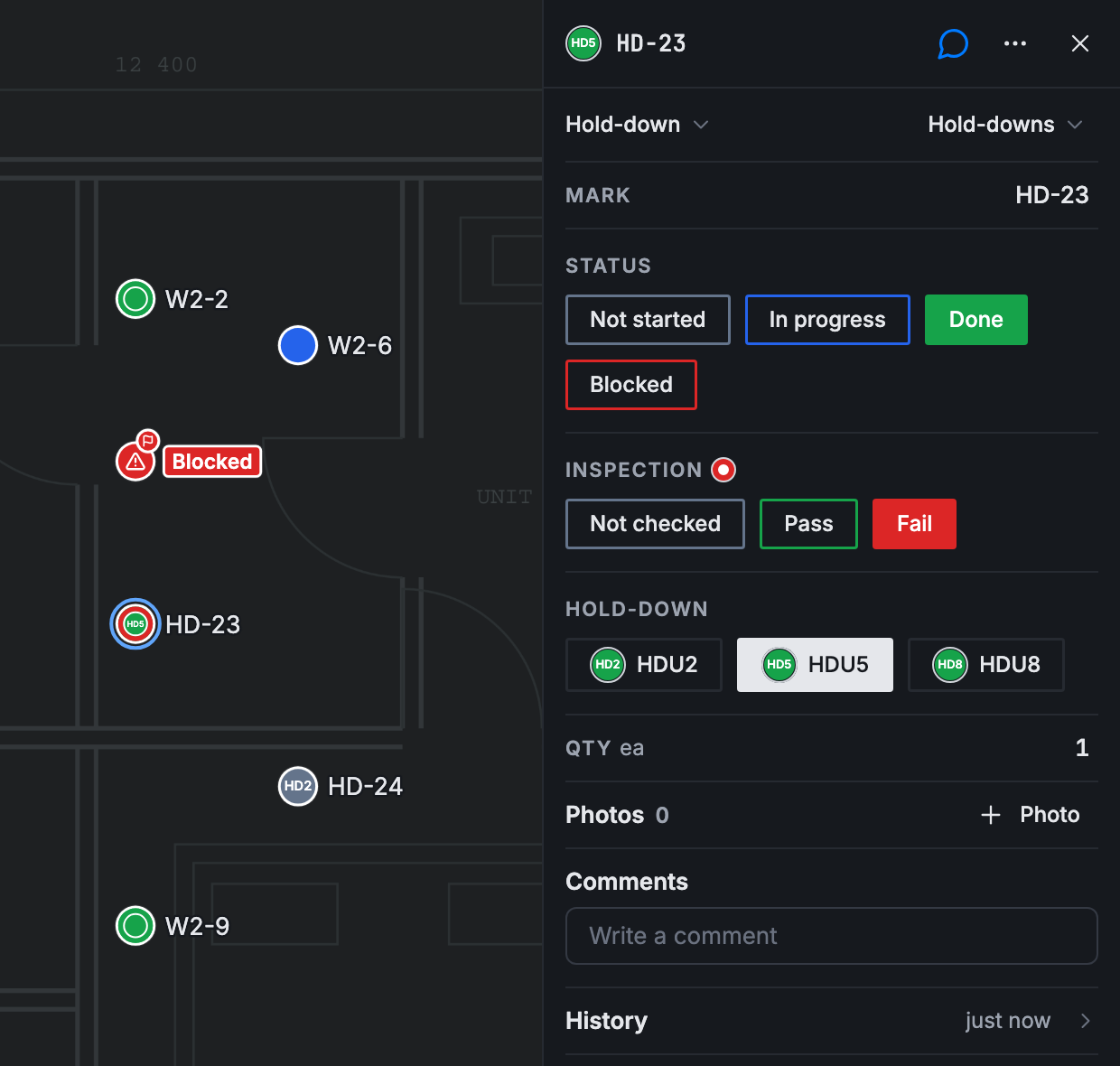
Tap a point and its card opens. HD-23 is finished but failed inspection, so its card shows Done and Fail, and the point is green with a red ring. Both facts stay visible without opening anything.
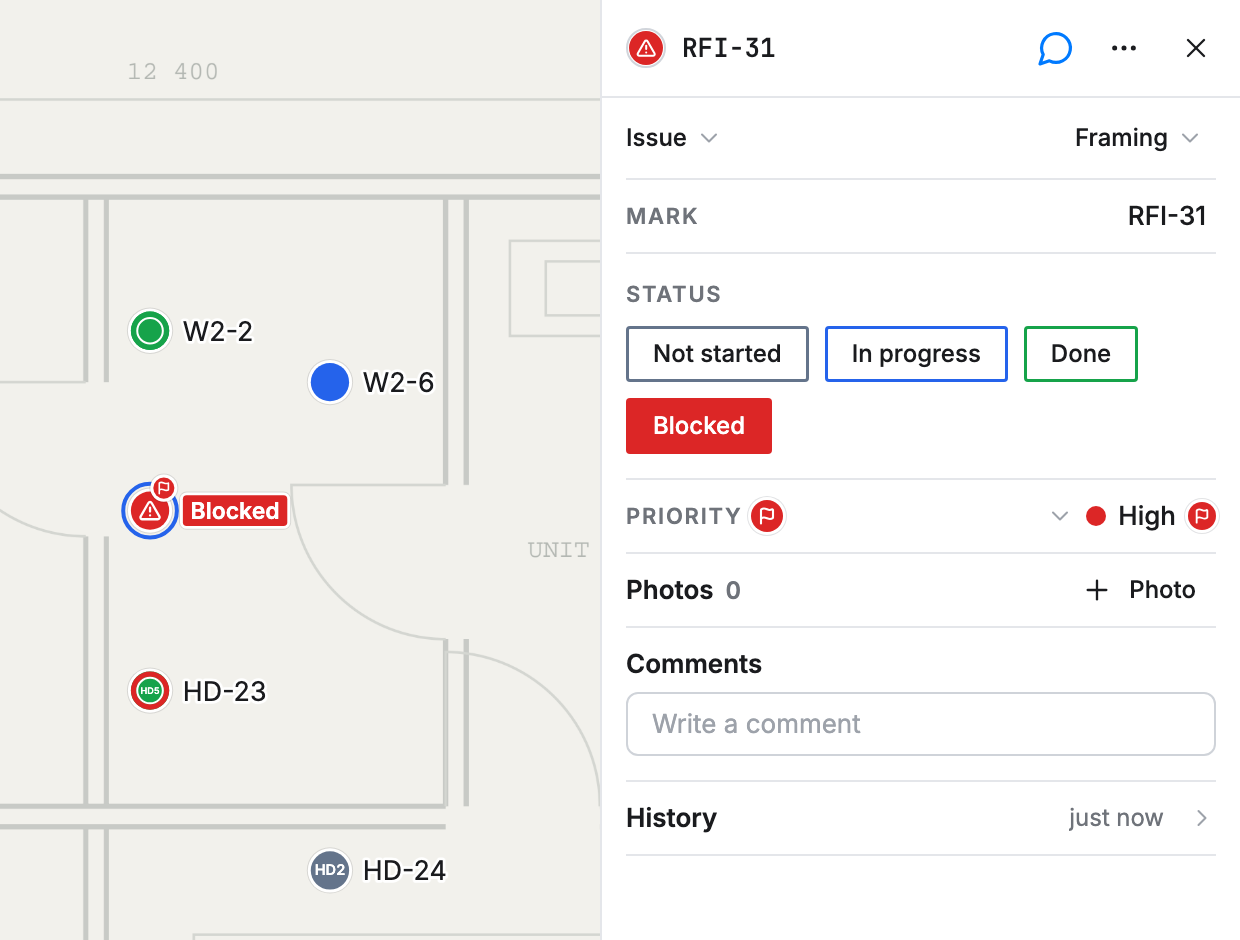
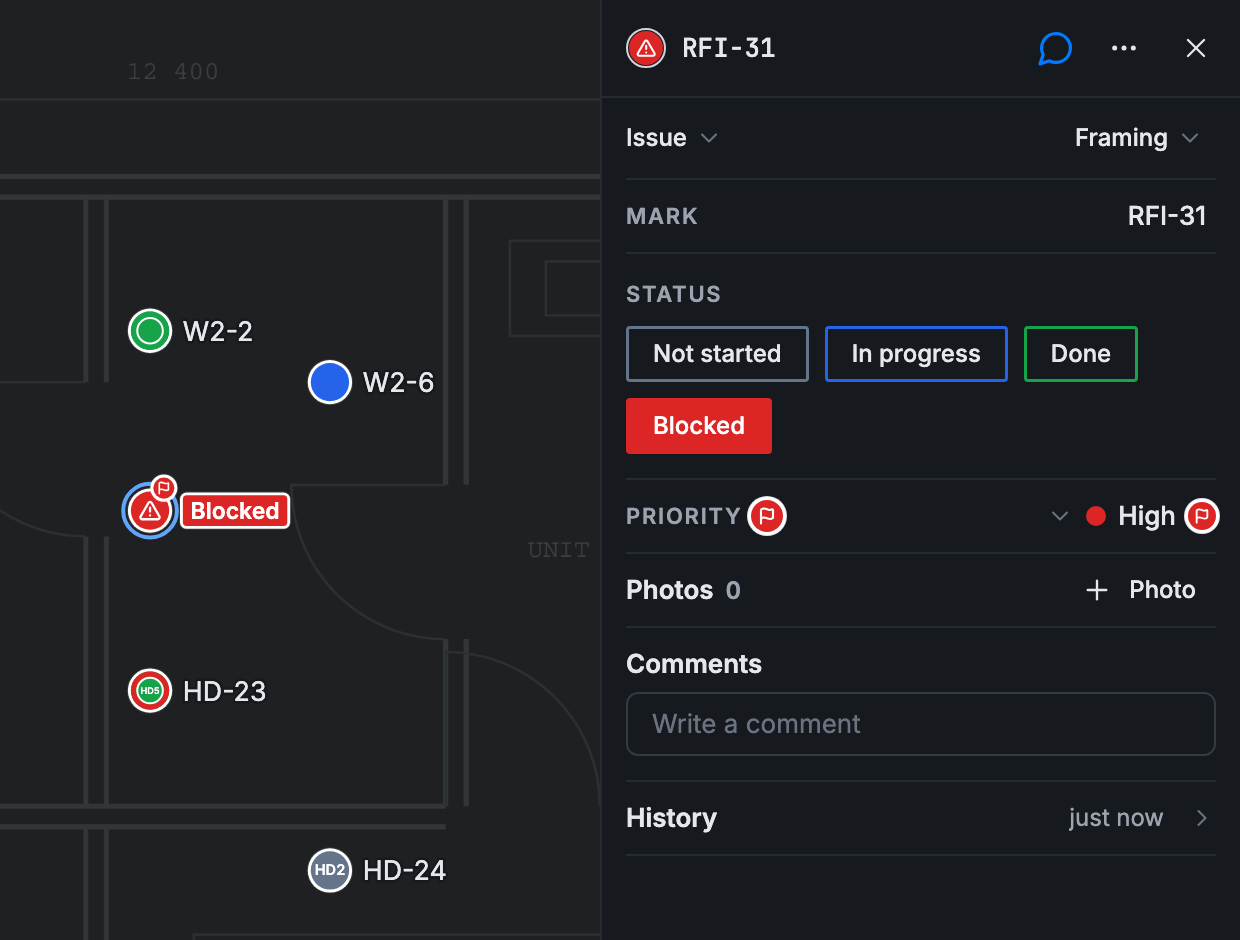
An Issue looks different on purpose. It keeps its red warning icon, so it never reads as a wall or a hold-down. Its status sits beside it as a label, and a high priority raises the corner flag.
The reports they want
Section titled “The reports they want”- Hold-downs by model and page
- Total quantity of hold-downs
- Failed inspections by card type
- Open issues by priority
Card types and fields
Section titled “Card types and fields”| Field | Field type | Wall | Hold-down | Issue | Why |
|---|---|---|---|---|---|
| Mark | Text | Yes | Yes | Yes | What lists and search call a point. The Name on every card type |
| Status | Status | Yes | Yes | Yes | Shared, so one report counts all three card types |
| Inspection | Select: Not checked, Pass, Fail | Yes | Yes | The report filters on it | |
| Hold-down | Select, one choice per model | Yes | The report groups by it | ||
| Qty | Number, unit ea | Yes | Adds up in the report | ||
| Priority | Dropdown | Yes | The report groups by it | ||
| Photos | Photos | Yes | Yes | Yes | Shows the work; nothing to count |
What each point shows
Section titled “What each point shows”| Card type | Color | Inside | Ring | Also |
|---|---|---|---|---|
| Wall | Status | Nothing | Inspection | Mark as a Label |
| Hold-down | Status | Hold-down | Inspection | Mark as a Label |
| Issue | The card type’s red, with its warning icon | The card type’s icon | Nothing | Priority as a Corner flag; Status as a Label |
Status colors Walls and Hold-downs but only labels Issues, and it’s still one field. Level comes from Page, so it needs no field. Priority’s High choice is ticked to raise the corner flag.
Templates
Section titled “Templates”- One Hold-down template per model, with Hold-down and Qty filled in
Ask your AI app
Section titled “Ask your AI app”Once points are going in, you can ask Claude, ChatGPT or Grok Bot things like:
- “How many HDU2 hold-downs are in on each level?”
- “List the hold-downs that failed inspection, with their marks.”
- “Which walls are still blocked on Level 3?”
Want a different setup? Tell Claude, ChatGPT or Grok Bot what your company does and ask it to adjust this one.