Turn markup into a point
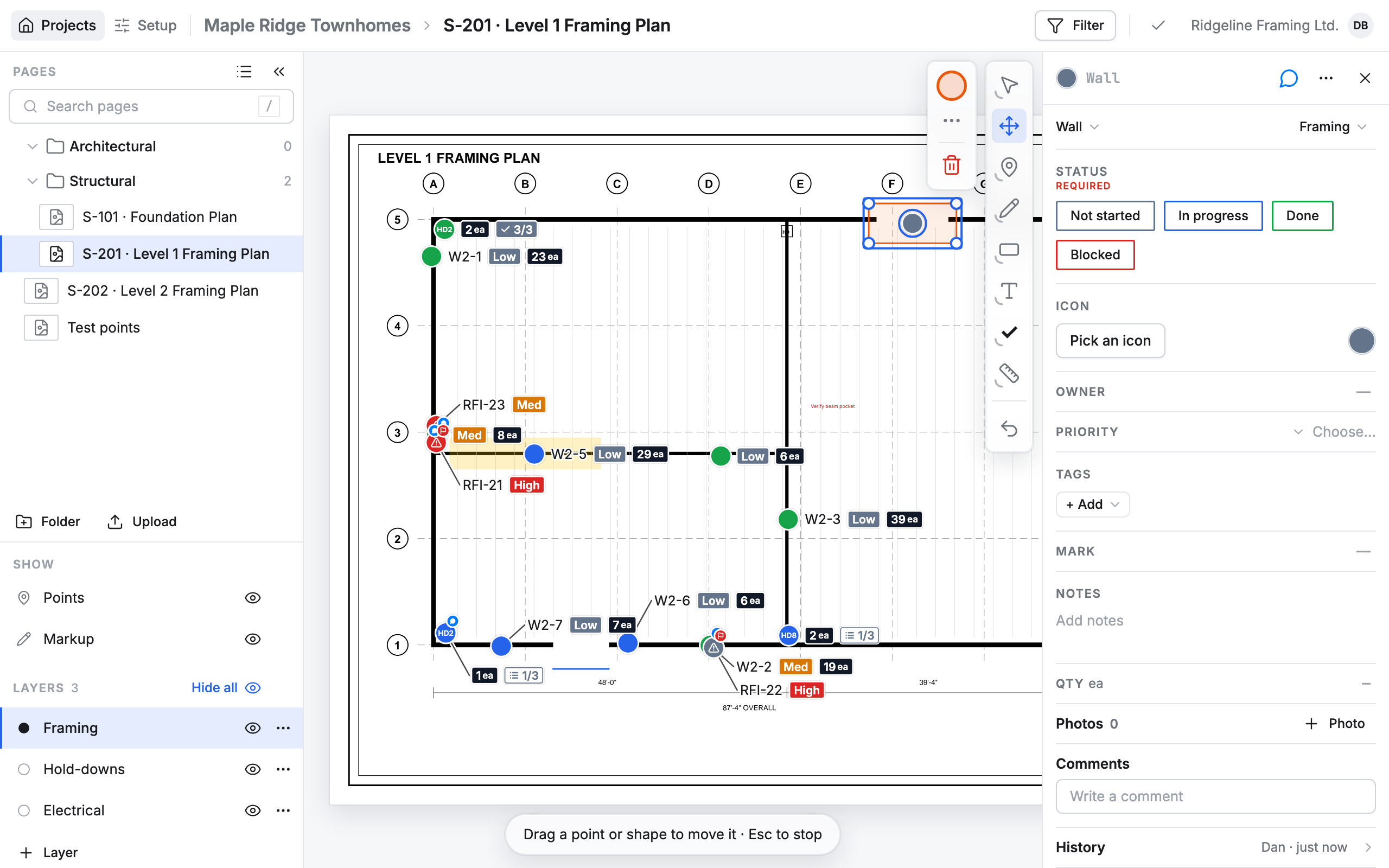
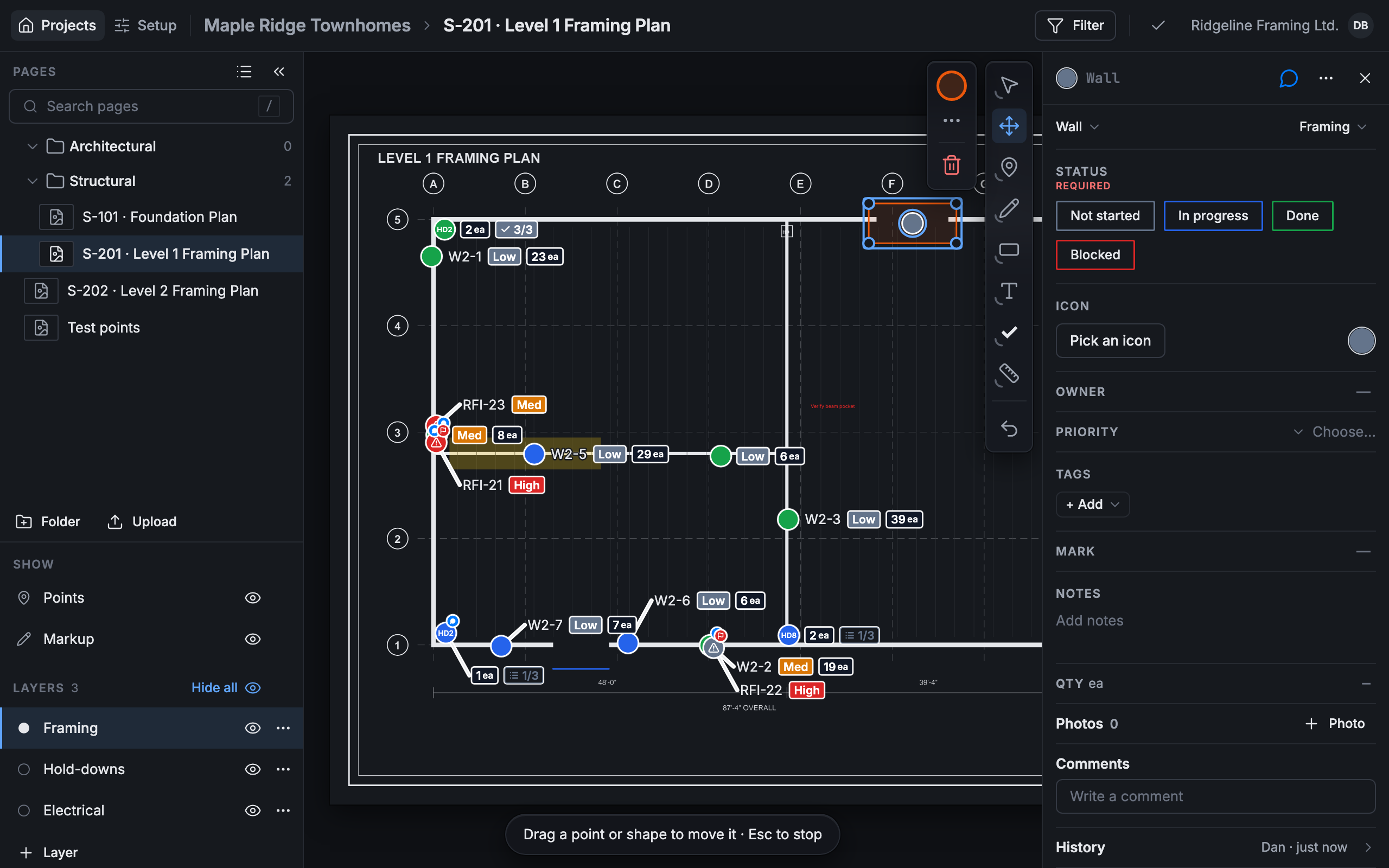
A mark on the drawing can become a point, with a card to track it. The mark stays as it is and becomes the point’s shape.
Make a point from a mark
Section titled “Make a point from a mark”-
Press Move on the right (or press G), then click the mark.
-
Press Create point from markup (the pin with a plus) beside the tools.
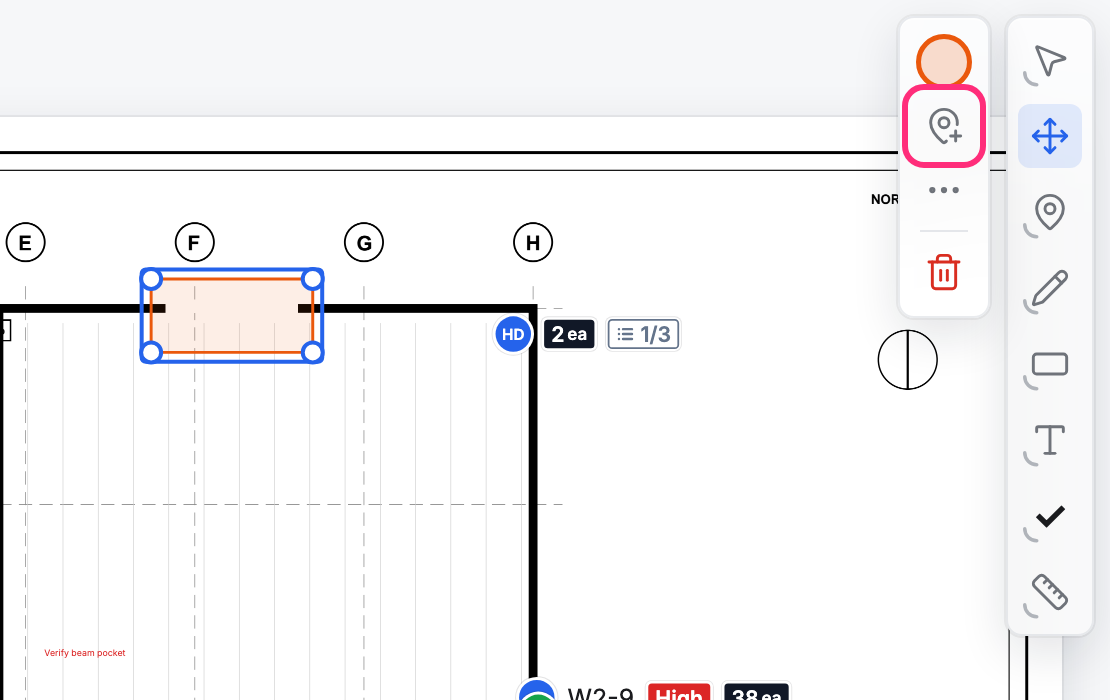
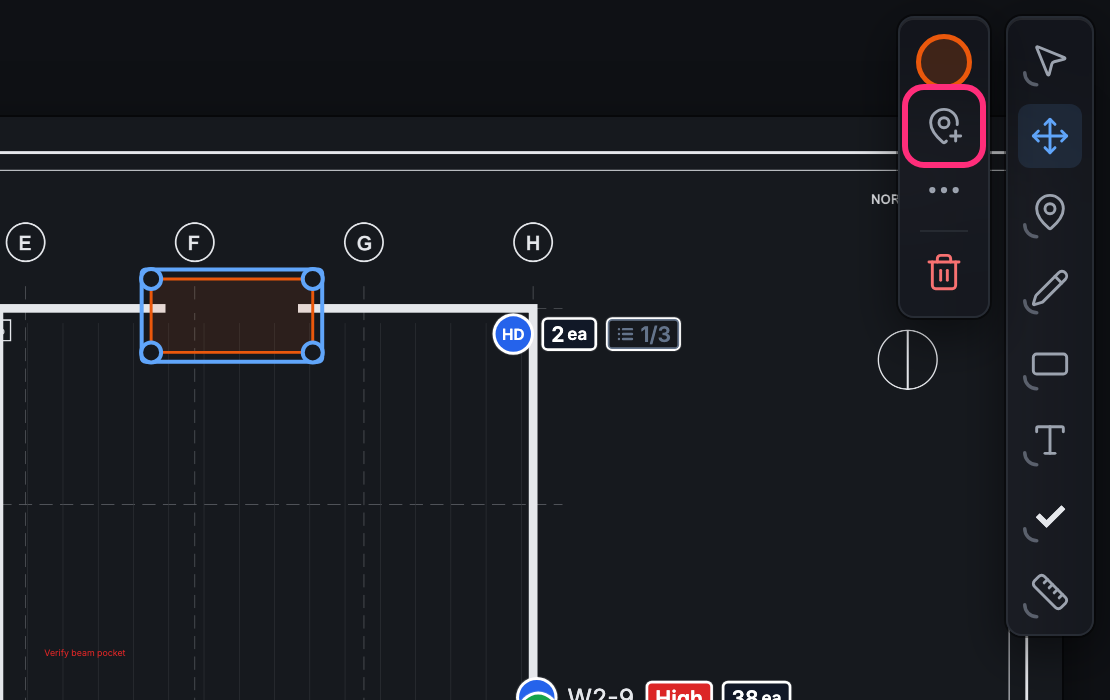
-
A point appears in the middle of the mark, and its card opens with a list of Card types. Pick the kind of point, for example Wall.
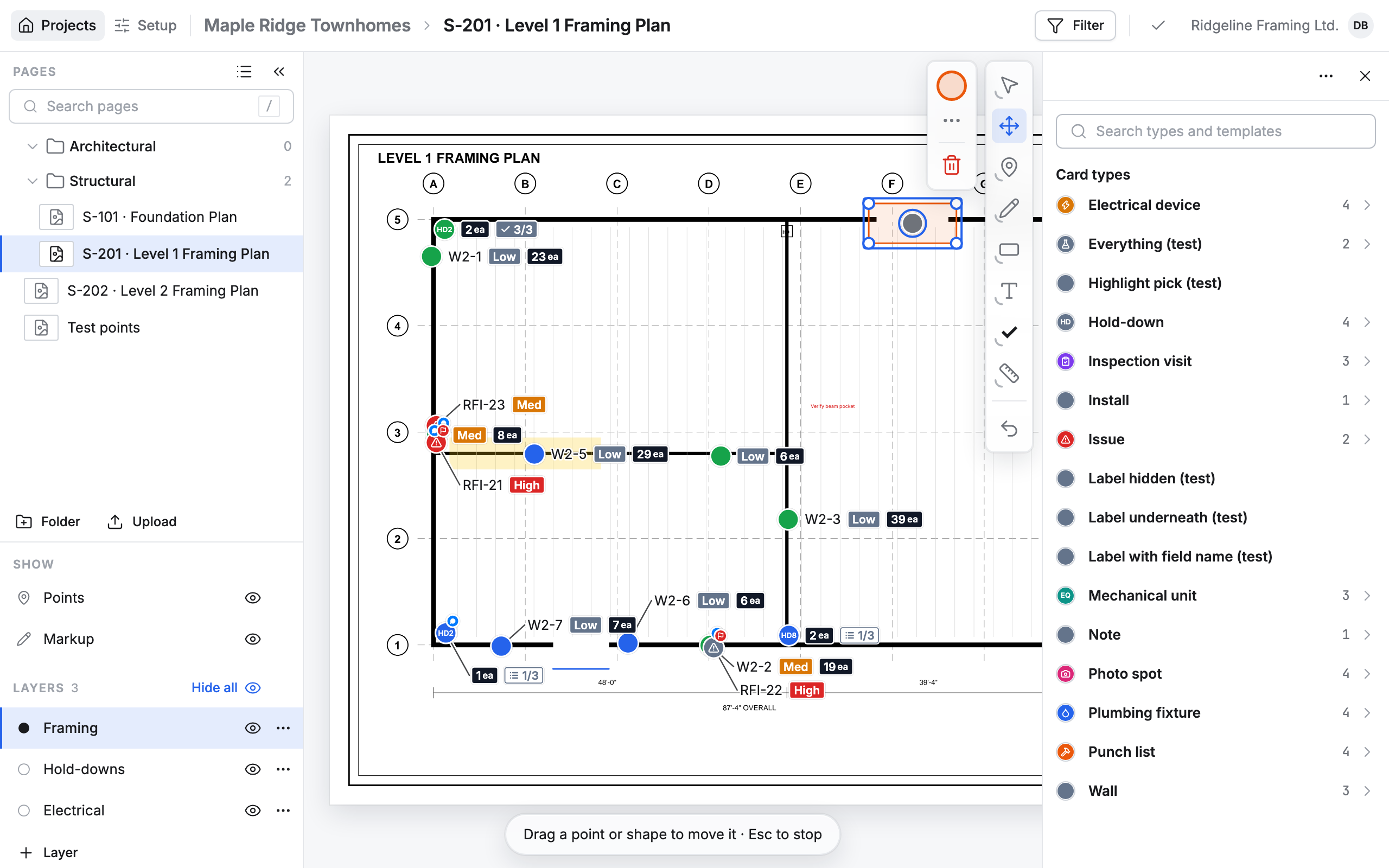
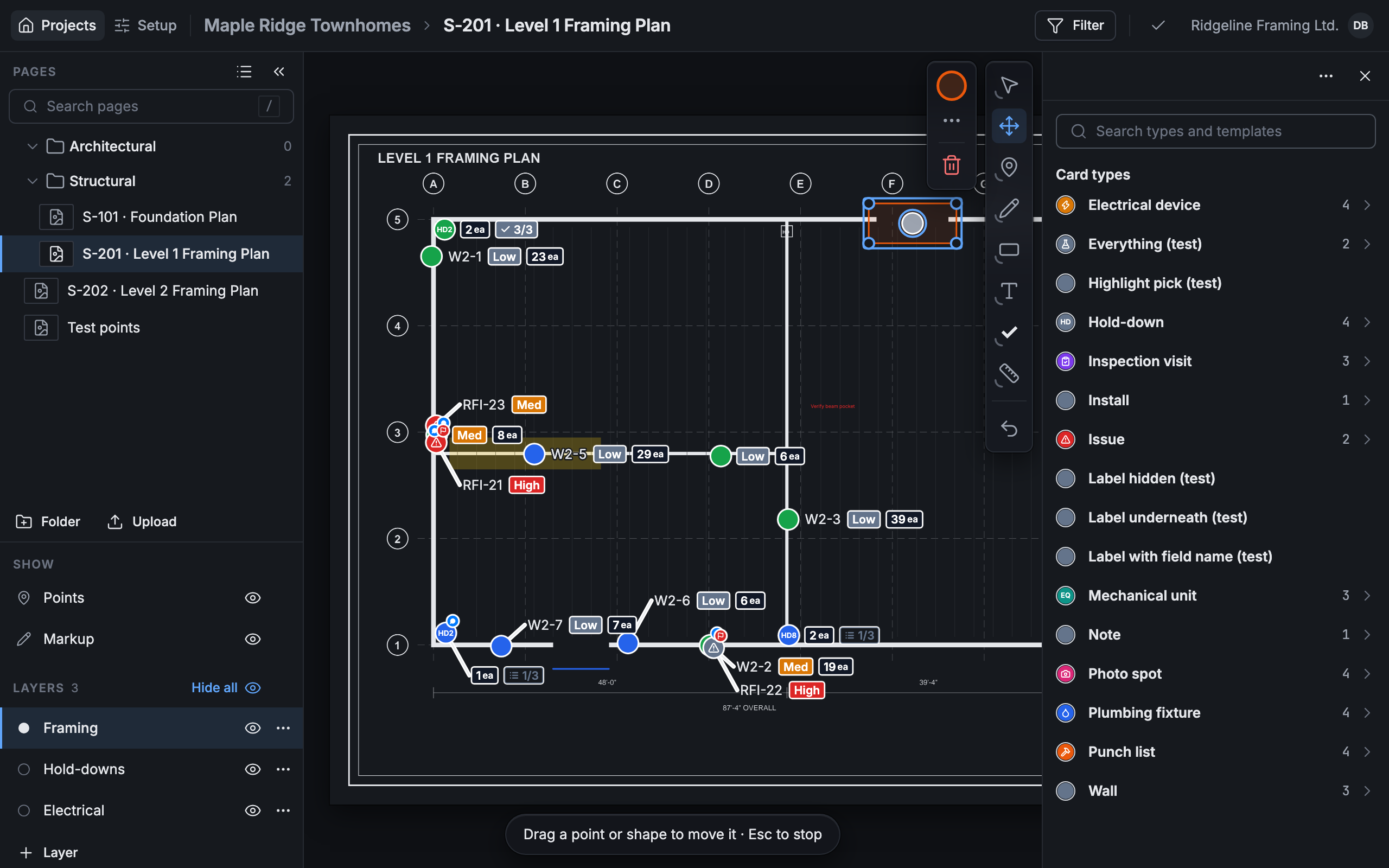
-
Pick a template, or Blank card.
The card fills in from the template. Give it a title, or change any line on it.
After that
Section titled “After that”A click on the mark now selects its point and opens the card, even with Select on. The mark’s own options still open beside the tools, without Create point from markup: the mark is already a point.