Introduction to Pointmap
Pointmap puts your work on the plans. You bring in the drawings for a job, then place a point on the drawing wherever something needs doing or checking: a wall to frame, a hold-down to install, an issue to fix. Each point has a card that holds the details, so the whole crew sees the same thing in the same place.
Projects
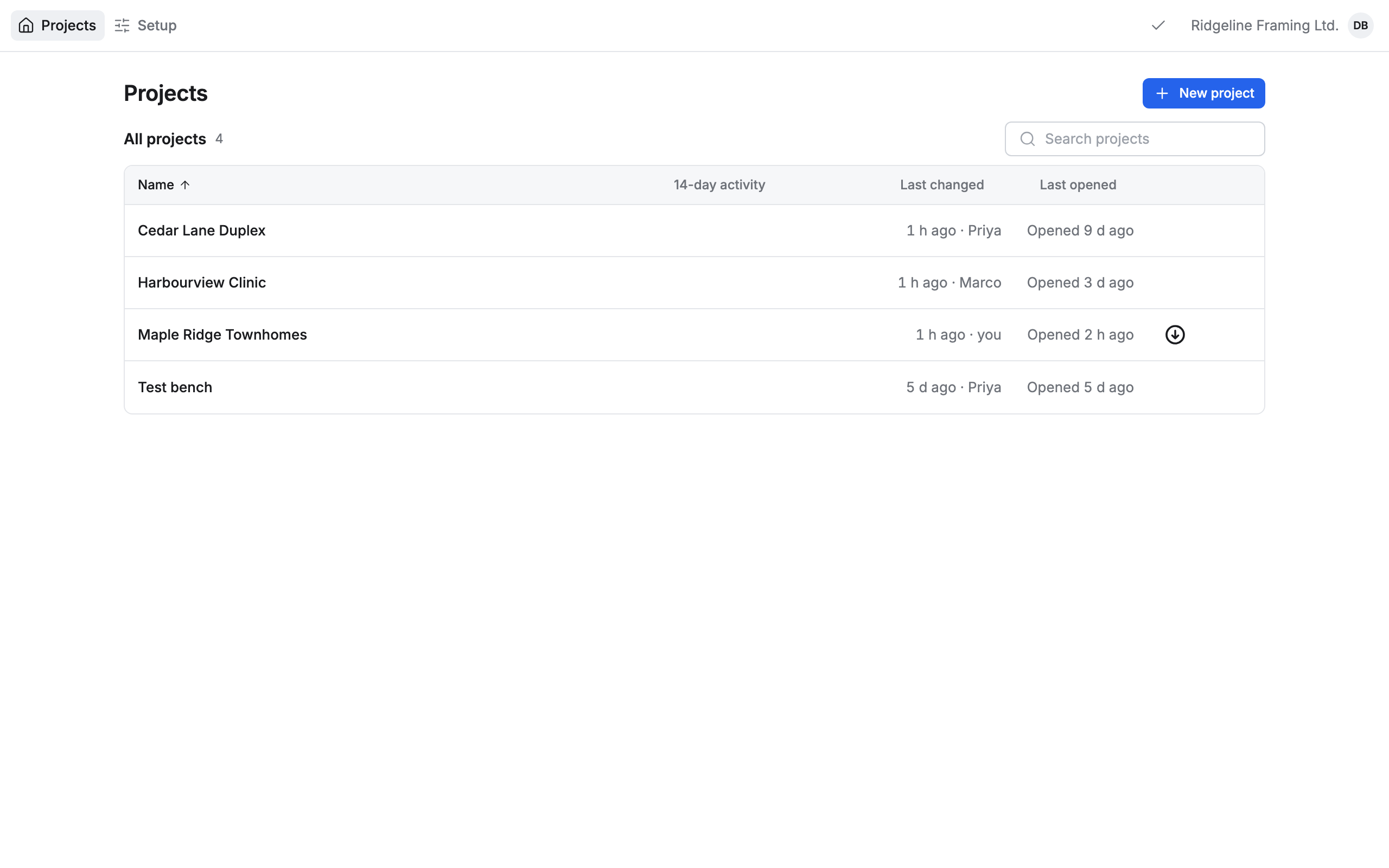
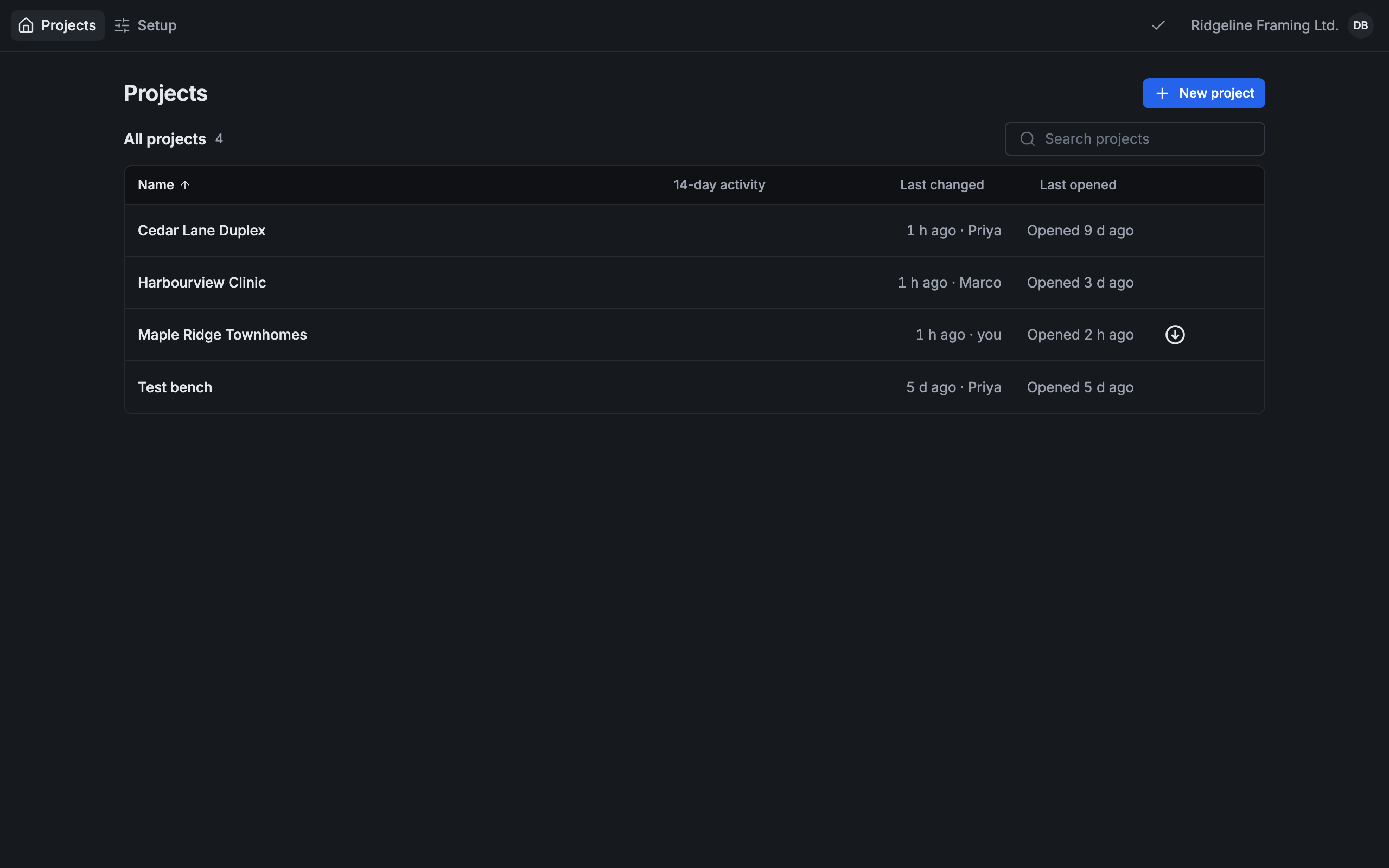
Section titled “Projects”Everything starts on the Projects list: one row for each job your company runs. Press a project to open it.
The same list on a phone:
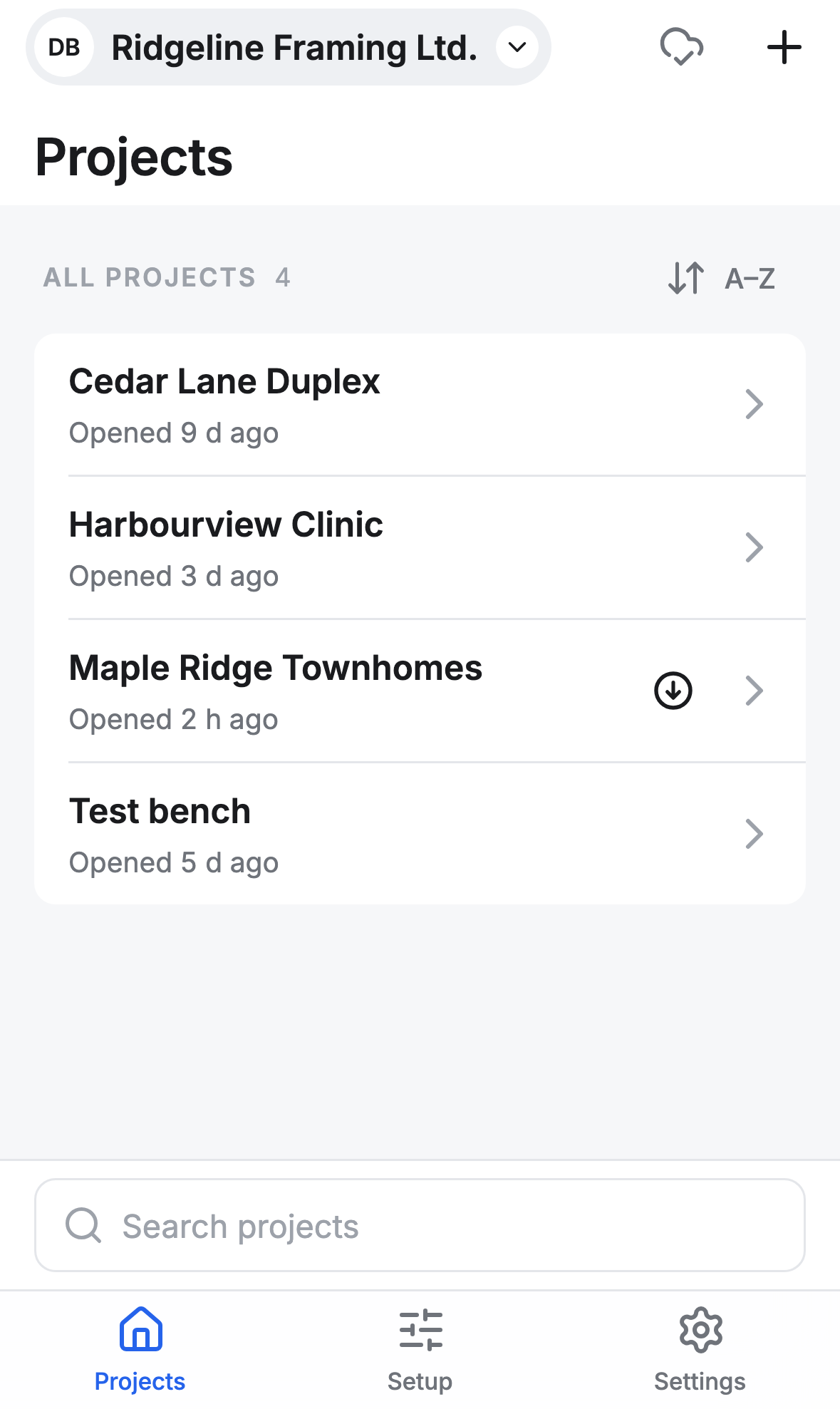
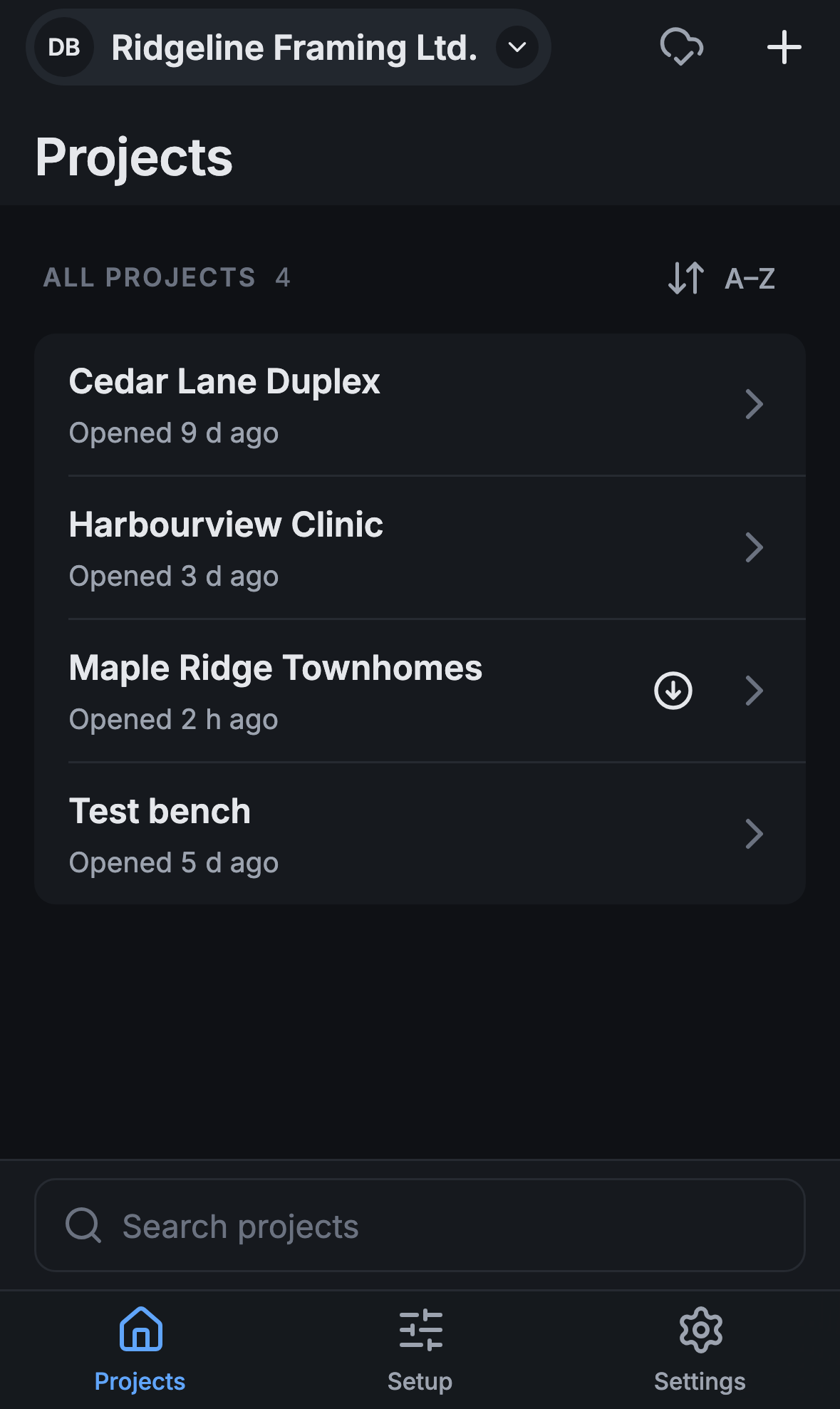
On a phone, your initials and the company you’re in sit together at the top left. Press them for Settings, your other companies, and Add another account….
Drawings, pages and layers
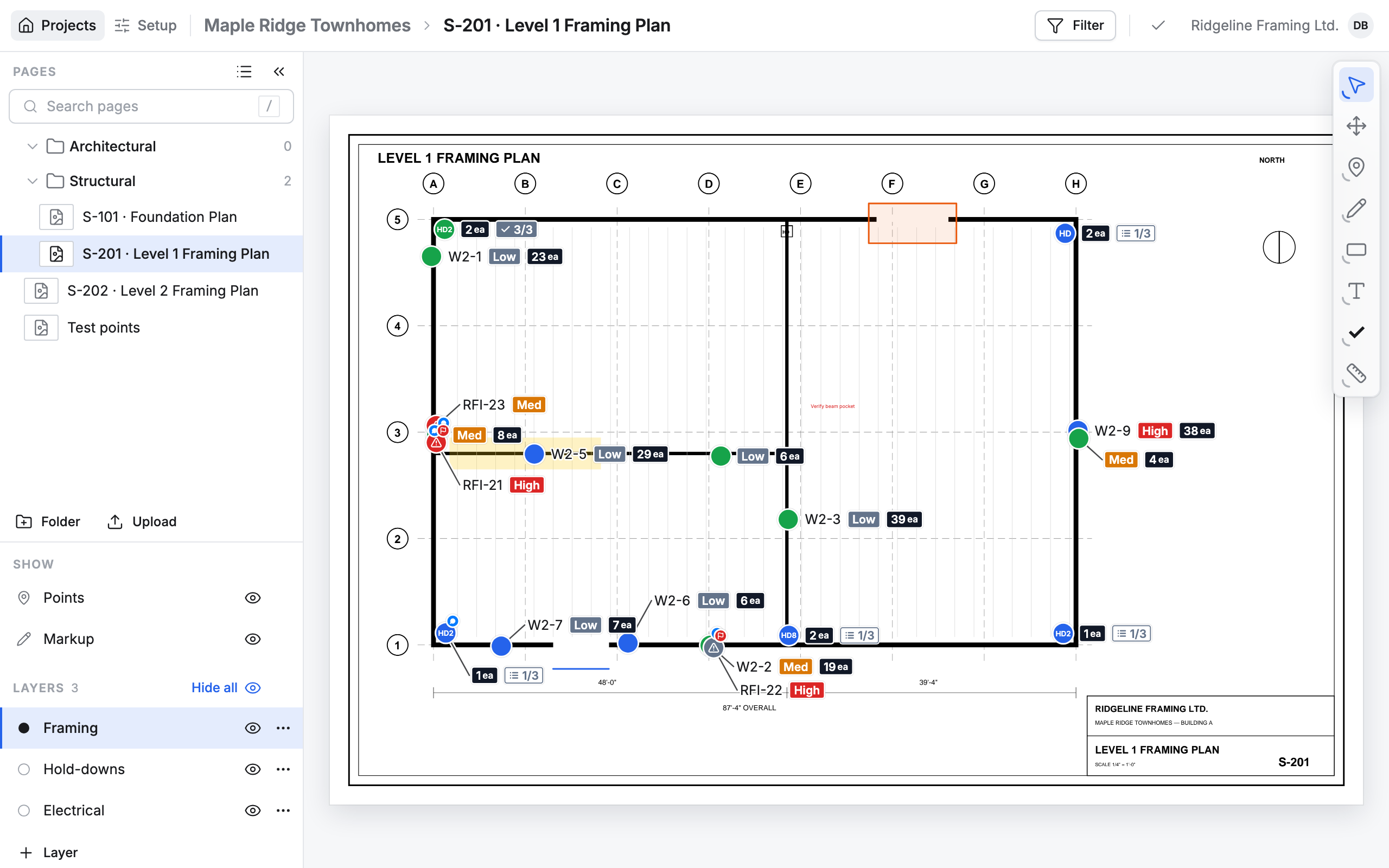
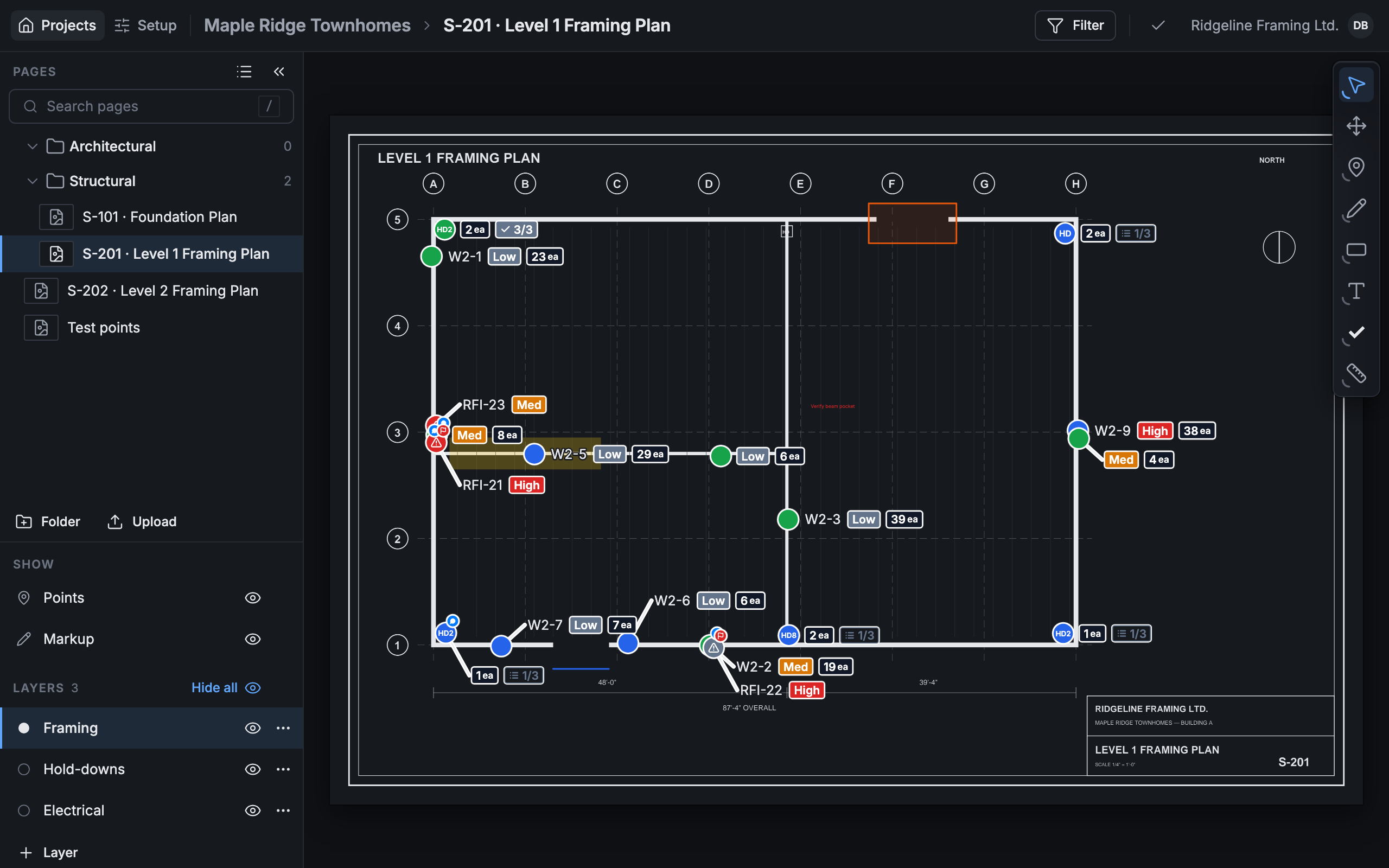
Section titled “Drawings, pages and layers”A project holds its drawings as pages. On the left, Pages lists them, sorted into folders, with Search pages above. Under it, Layers sorts the points on the drawing: turn a layer off with its eye to hide its points.
Points and cards
Section titled “Points and cards”The tools on the right of the drawing place points and draw markup. Press a point to open its card. The card’s lines come from its card type, which you set up under Setup.
- Start a company if you’re the first one from your company here.
- Join a company if someone sent you an invite or a join code.
- Sign in if you already have an account.