Reports
A report answers a question about a project’s points: how many are blocked on each floor, who placed what this month, how many tasks are done on each page. Your company’s reports are under Reports at the top of the screen, and each one runs on whichever project you pick.
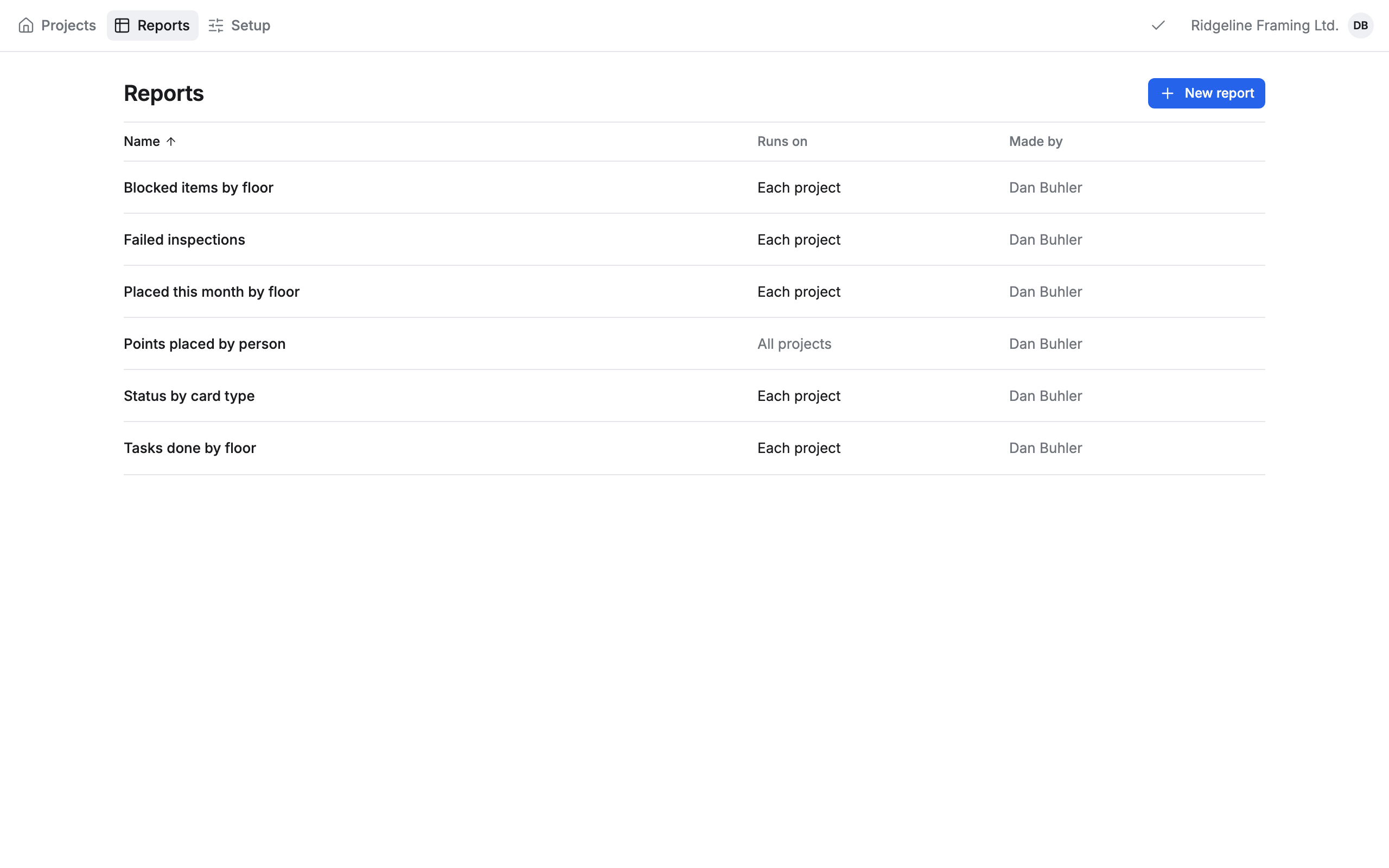
- Get answers from your AI app: ask about your points in plain words, and try a report before you build it.
- Run a report: open one, read its steps and totals, and open its rows to their points.
- See a report on the plan: light up its points on the drawings, step through them, or turn it into a filter of your own.
- Build a report: start from a shape and pick the points, the groups, the columns and the order.
- Change a saved report: save or discard changes, copy, rename or delete, and who can do which.
Reports run on Pointmap’s server, so they need a connection. Offline, a report you opened before shows its last result.