How fields, card types and templates fit together
Four ideas build on each other: a field is one question, a card type is the list of questions a kind of point asks, a template is a set of answers saved ahead of time, and a point is one spot on a drawing with its own answers.
| Idea | What it is | Example | Where it lives |
|---|---|---|---|
| Field | One question | Status, Qty, Installed on | Setup › Fields, for the whole company |
| Card type | A kind of point, and the questions it asks | Wall, Hold-down, Issue | Setup › Card types, for the whole company |
| Template | A starting card for one card type | “HDU2 hold-down”, with the model and quantity filled in | Under its card type |
| Point | One spot on a drawing, with its answers | W2-2 on Level 1 | On the plan, in one project |
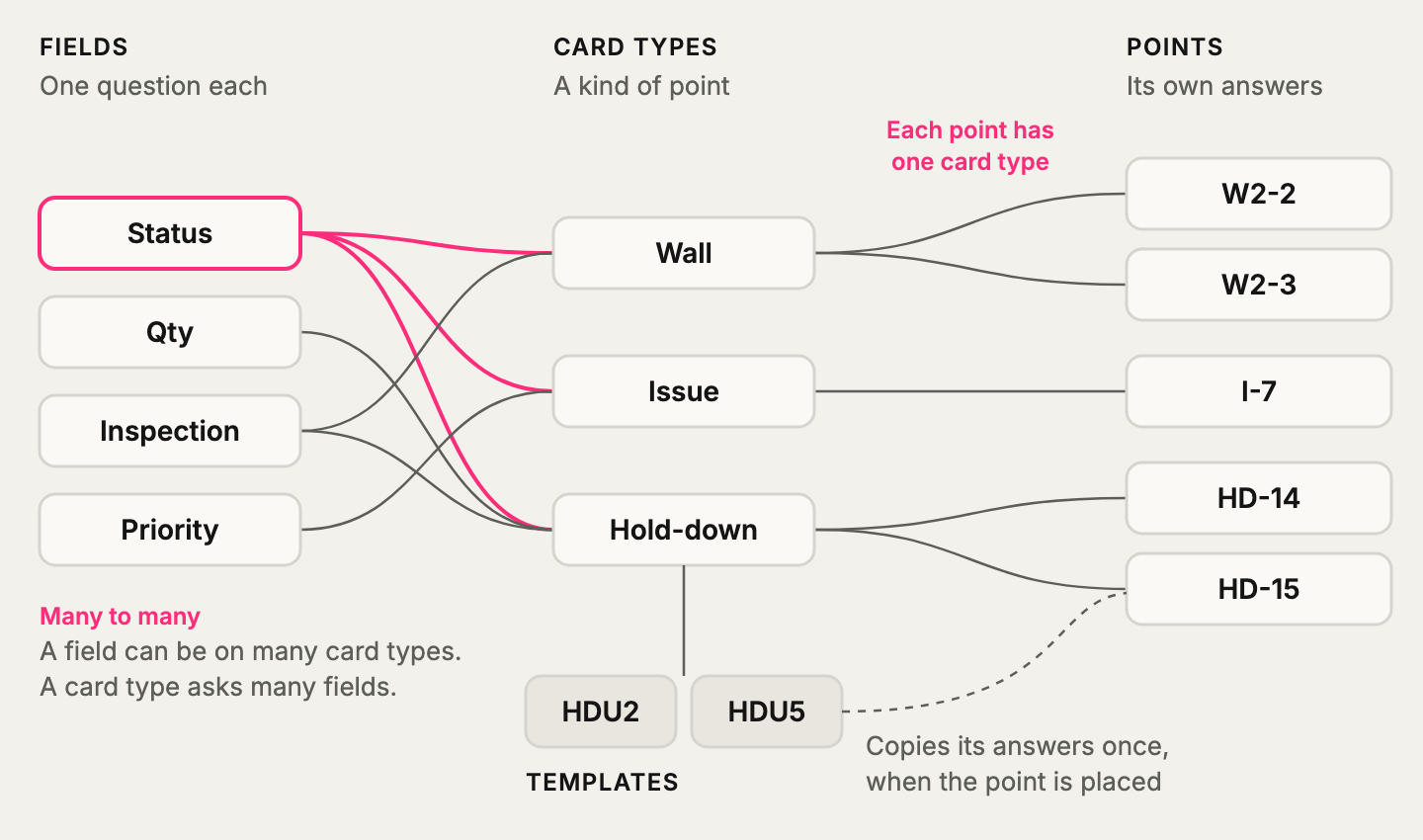
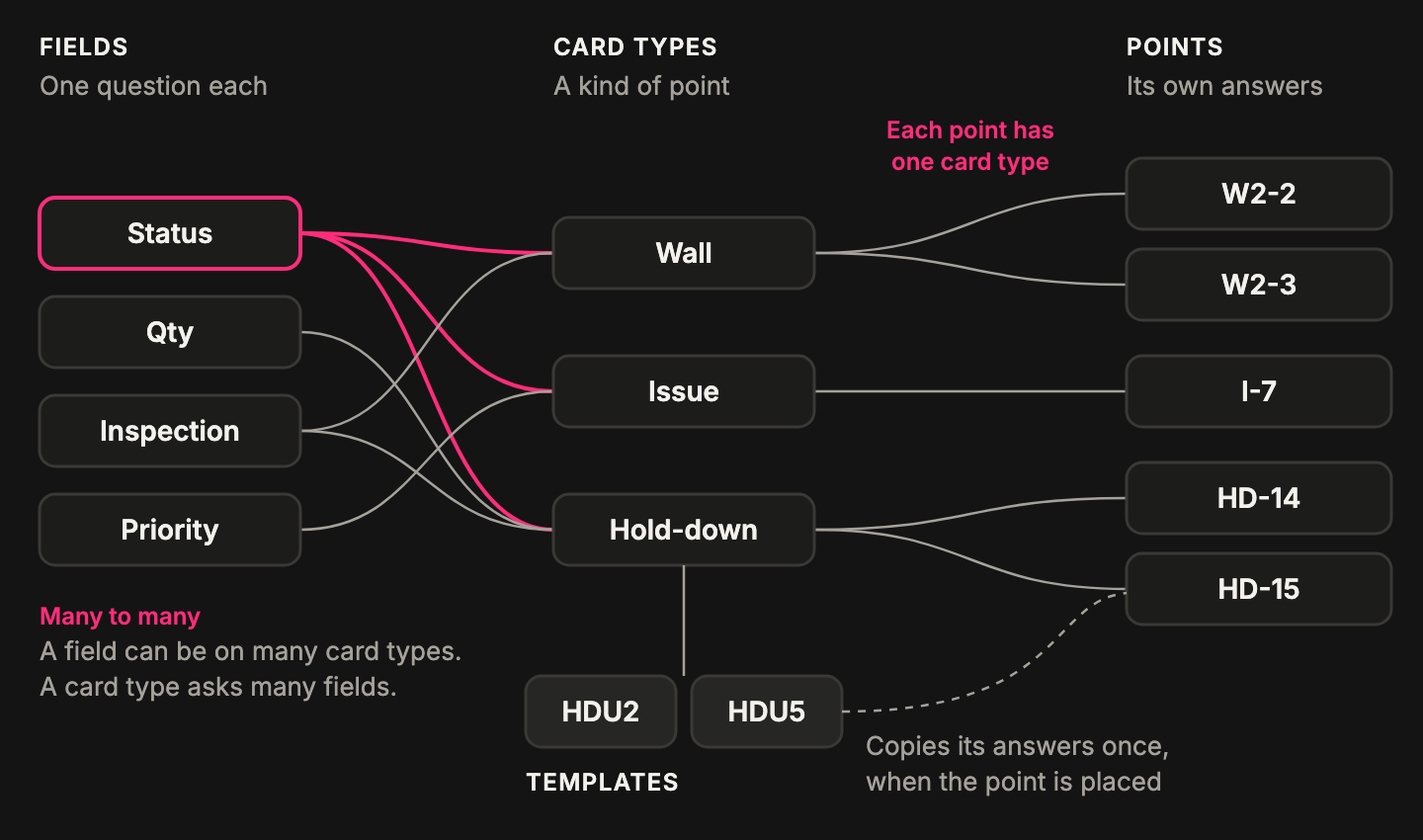
- Fields and card types are many to many. A field can be on many card types, and a card type asks many fields.
- A card type has many points. Each point has one card type, and one card holding one answer per field.
- A card type has many templates. Each template belongs to one card type.
- A template fills in a point once. After that, the two aren’t connected.
A card type is a kind of point
Section titled “A card type is a kind of point”Each point has one card, so choosing a card type is choosing what kind of thing the point is. It sets the questions the card asks, the point’s starting color and its initials or icon.
You can switch a point’s card type until someone changes its card. After that it stays that kind of point, so to change it, place a new one.
A field belongs to the company, not to a card type
Section titled “A field belongs to the company, not to a card type”There is one pool of fields. A card type picks from the pool and doesn’t get its own copy. If Wall, Hold-down and Issue all ask Status, they ask the same Status: a report can count Status across all three, in every project.
That’s also why changing a field reaches so far. Rename it or edit its choices, and every card type that asks it changes. A rename asks first and names those card types. Editing choices doesn’t ask, but the card type’s page says which others share the field.
What’s shared, and what each card type sets
Section titled “What’s shared, and what each card type sets”This split answers most setup questions.
| Belongs to the field, the same on every card type | Set by each card type, on its own |
|---|---|
| Name and Description | Whether it asks the field at all |
| Field type and its settings, like Unit or Past dates turn red | Where it sits on the card |
| The choices, with their colors, initials and icons | Required and Hidden |
| Multi-select and Choices have colors | Everything under On the plan: what the field puts on the point |
| On the card: Buttons, Chips, List or Dropdown | Which field is the card’s Name, and which flags get a title bar button |
So Status can color the whole point on an Issue and be a small ring on a Wall, while its choices stay the same on both. A field doesn’t have to look the same everywhere to be the same field.
A card type can’t offer only some of a field’s choices. Every card type that asks a field gets its whole list. If a card type needs a different list, that’s a different field.
A template gives a head start, and nothing more
Section titled “A template gives a head start, and nothing more”A template is a filled-in card saved under one card type. When someone places a point from it, its answers are copied onto the card. From then on that point’s answers are its own: changing the template later never changes points already placed.
Every card type has a Default template, which is why a new point can start with answers already in it.
Reports can’t count by template. A template fills in answers, and reports count the answers. To count every HDU2, make the model a field and have the template fill it in.
A point’s answers are its own
Section titled “A point’s answers are its own”Once a point is placed, its answers belong to it. The point on the plan follows those answers: pick Blocked and it can turn red, if the card type is set up that way.
Fields you take off a card type keep their answers, and so do fields you hide. Hidden answers still count in reports.