Create your first project
A project is one job: its drawings, the points on them, and the people who work on it.
Create a project
Section titled “Create a project”-
On the Projects list, press New project.
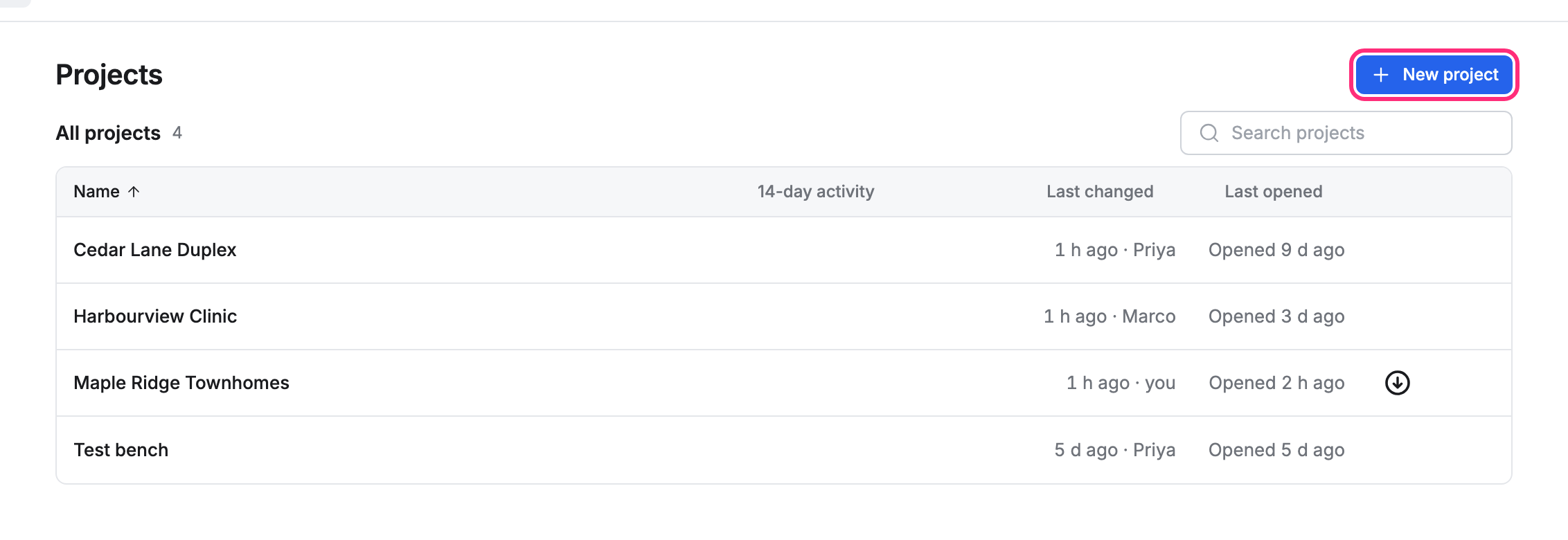
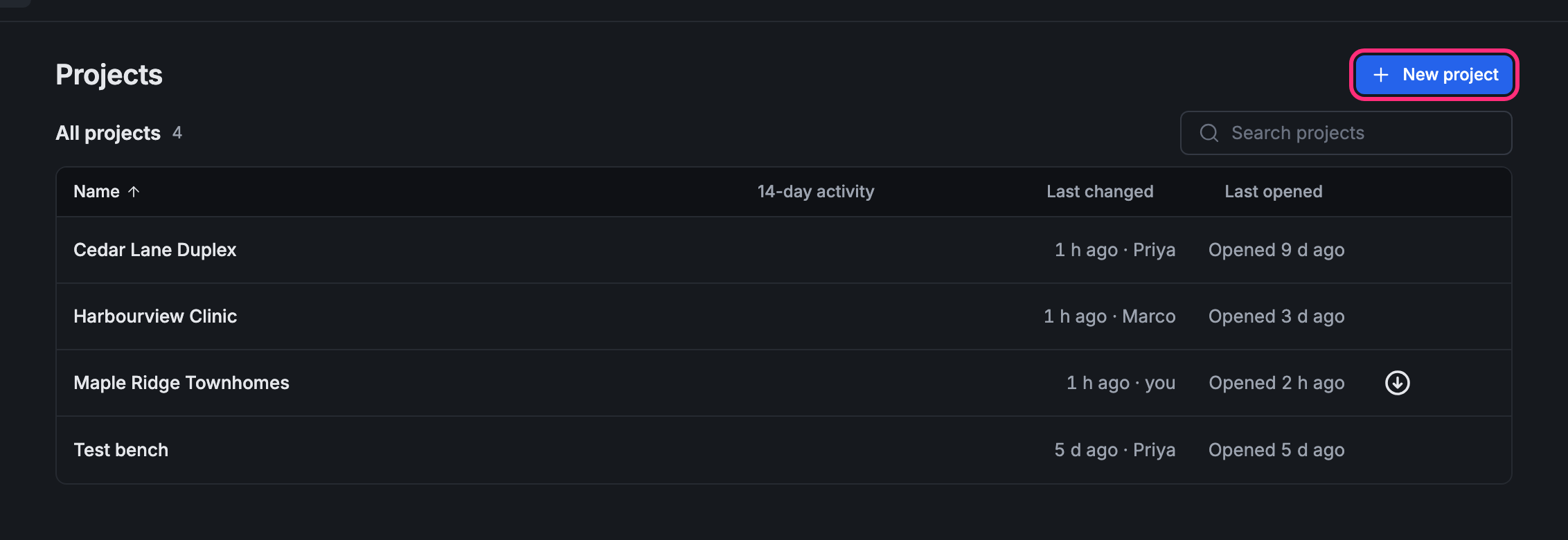
-
Type the Project name, then press Create.
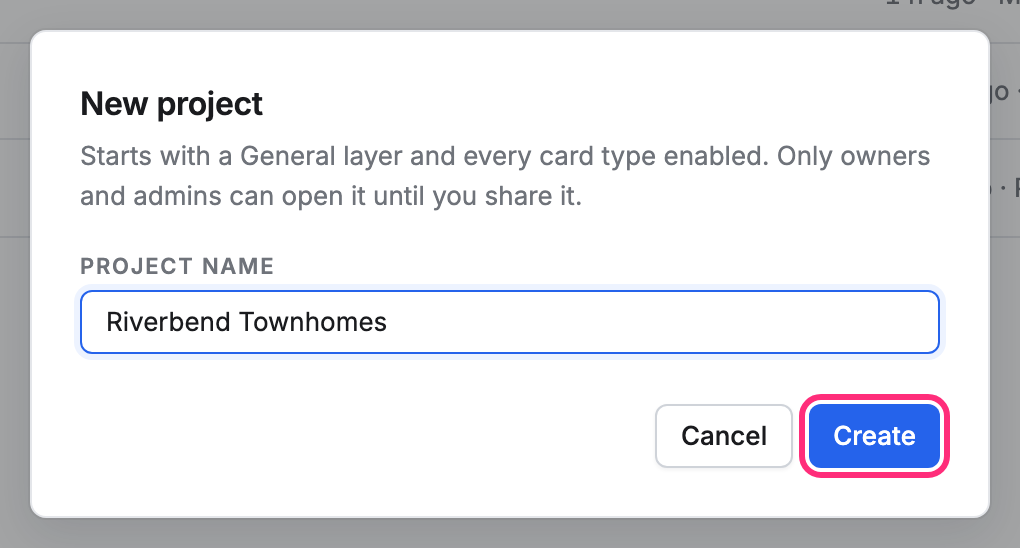
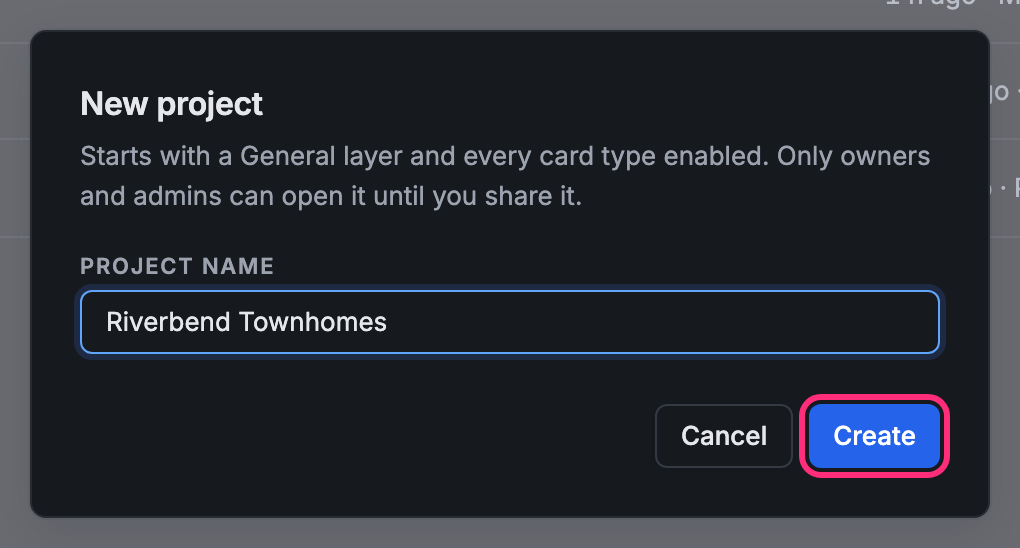
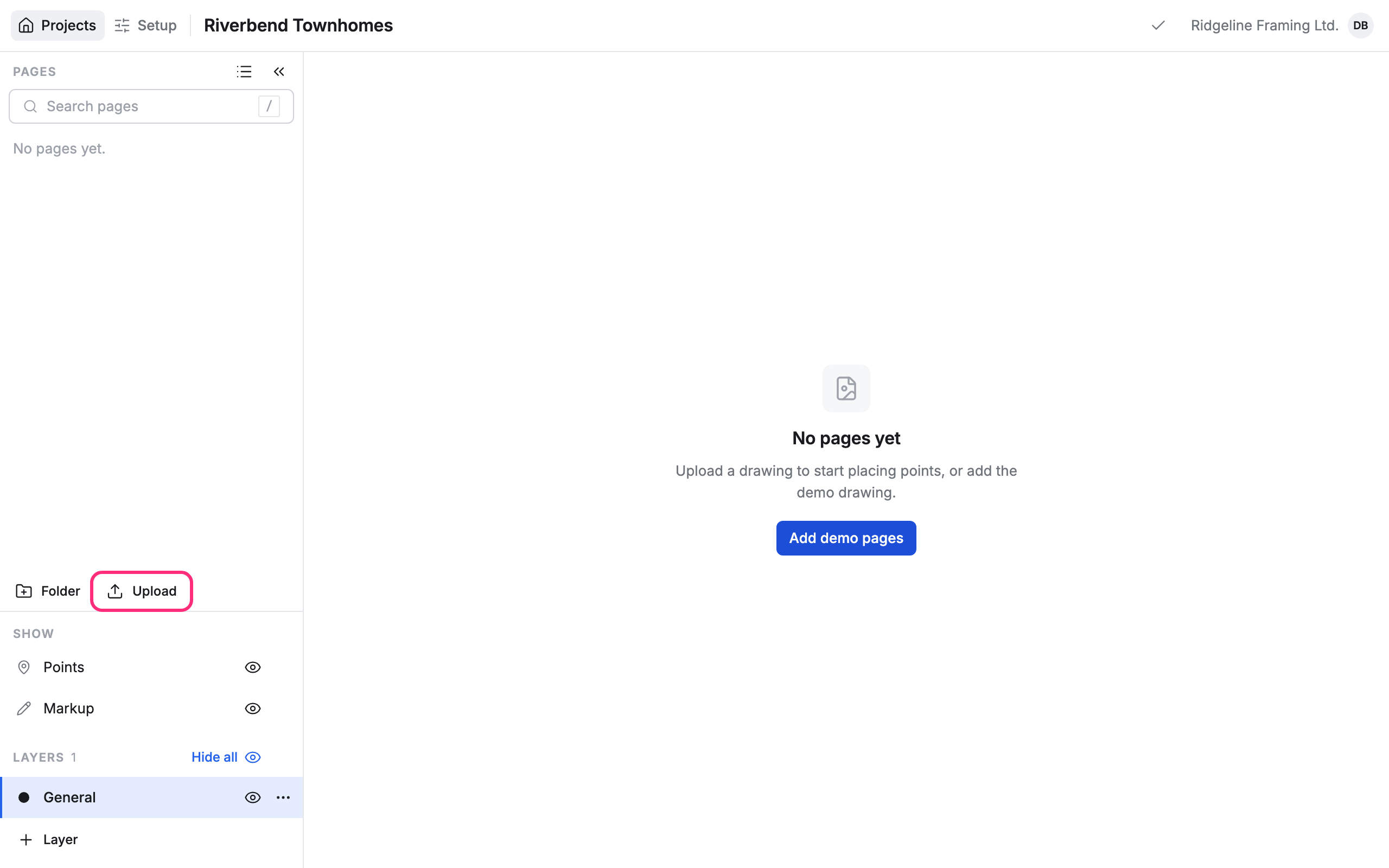
The project opens. It starts with a General layer and every card type turned on. Only owners and admins can open it until you share it.
Add its drawings
Section titled “Add its drawings”A new project has no pages yet. Press Upload under the page list to bring in its drawings.
Guests don’t see New project: they work only in the projects they’ve been given.