Comment on a point
Each card has a thread of comments near its foot: questions for the office, notes for the next crew. Your own comments sit on the right, everyone else’s on the left with their name.
Write a comment
Section titled “Write a comment”-
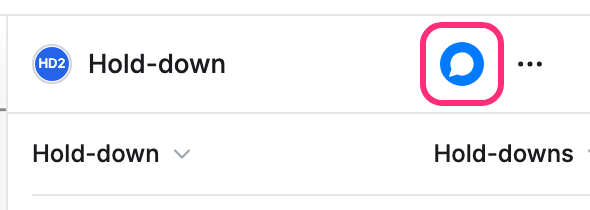
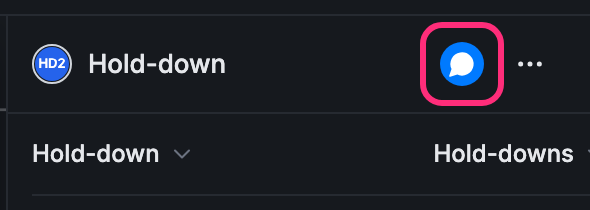
Open the point’s card. To jump straight to the thread, click the speech bubble at the top of the card. It is filled in when the point already has comments.
-
Type in Write a comment. The box grows as you write.
-
Click the arrow to post it.
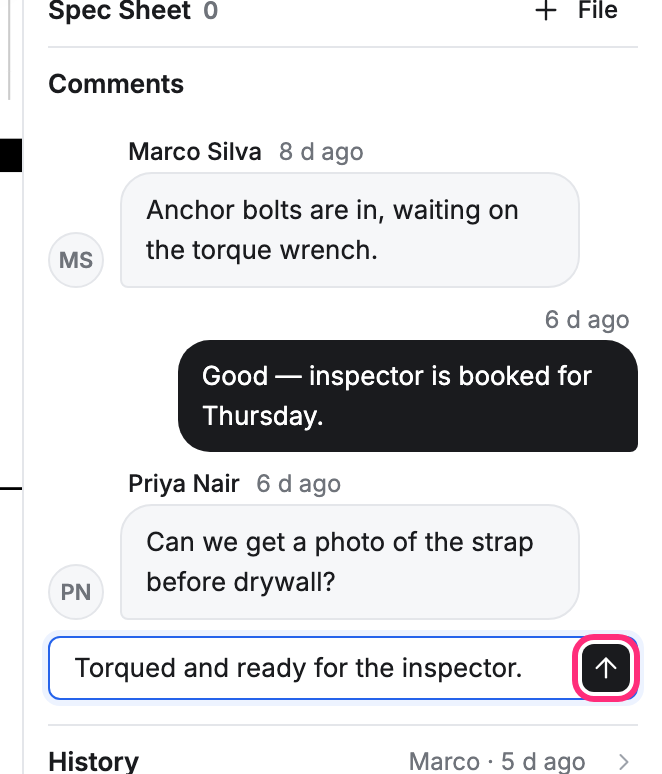
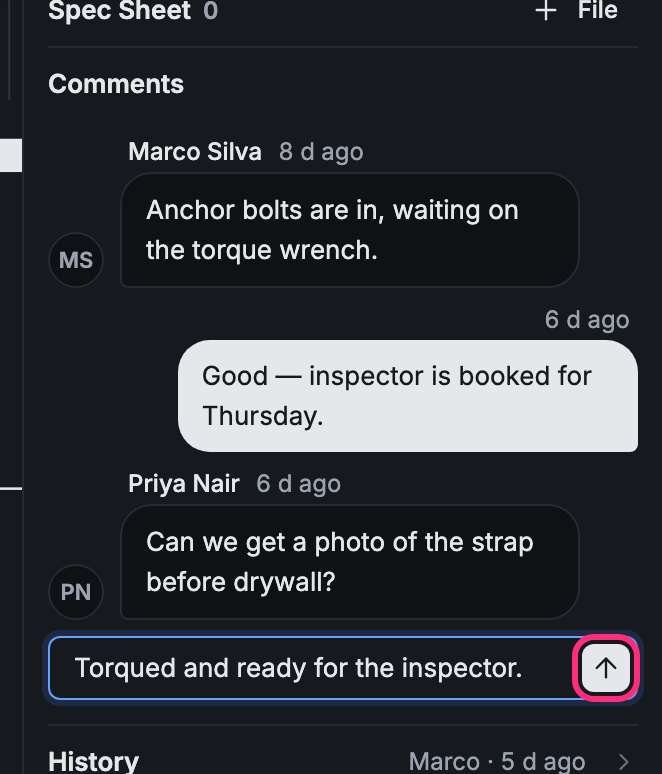
Your comment shows at the bottom of the thread, and the box is empty for the next one.
Edit or delete your comment
Section titled “Edit or delete your comment”-
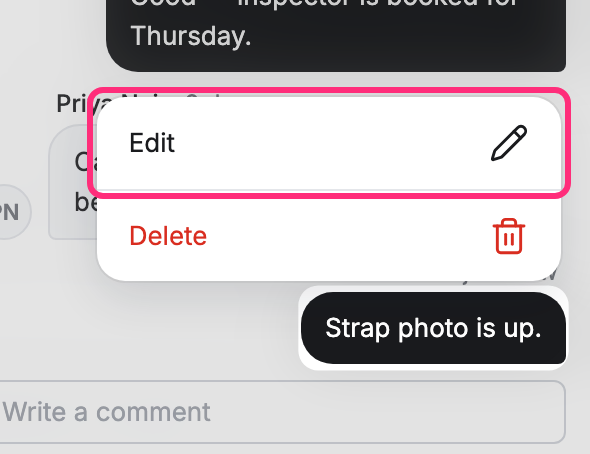
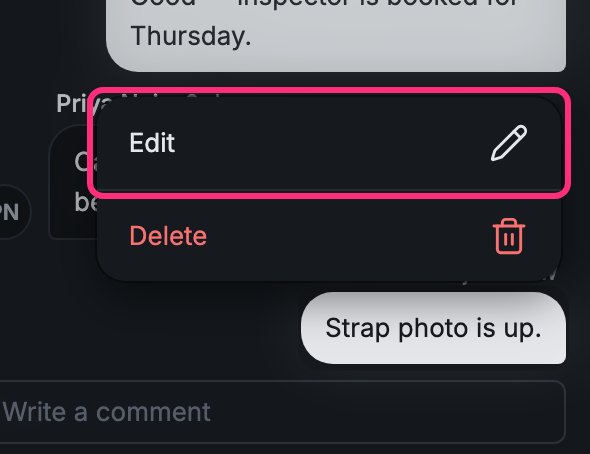
Press and hold your comment.
-
Click Edit, change the words in place, then click the check mark to save. The ✕ beside it cancels.
-
Or click Delete. Changed your mind? Click Undo in the message at the bottom of the screen.
You can edit and delete only your own comments.
No comments on a card
Section titled “No comments on a card”Comments are a switch on each card type. If a card has no thread and no speech bubble, its card type has comments turned off: see Make and change a card type.