Join a company
Someone at your company can bring you in two ways: an invite sent to your email, or a join code they share with the crew. Both open the same page.
Join from an invite or a join code
Section titled “Join from an invite or a join code”-
Open the link from the invite email, or the join code link you were given.
-
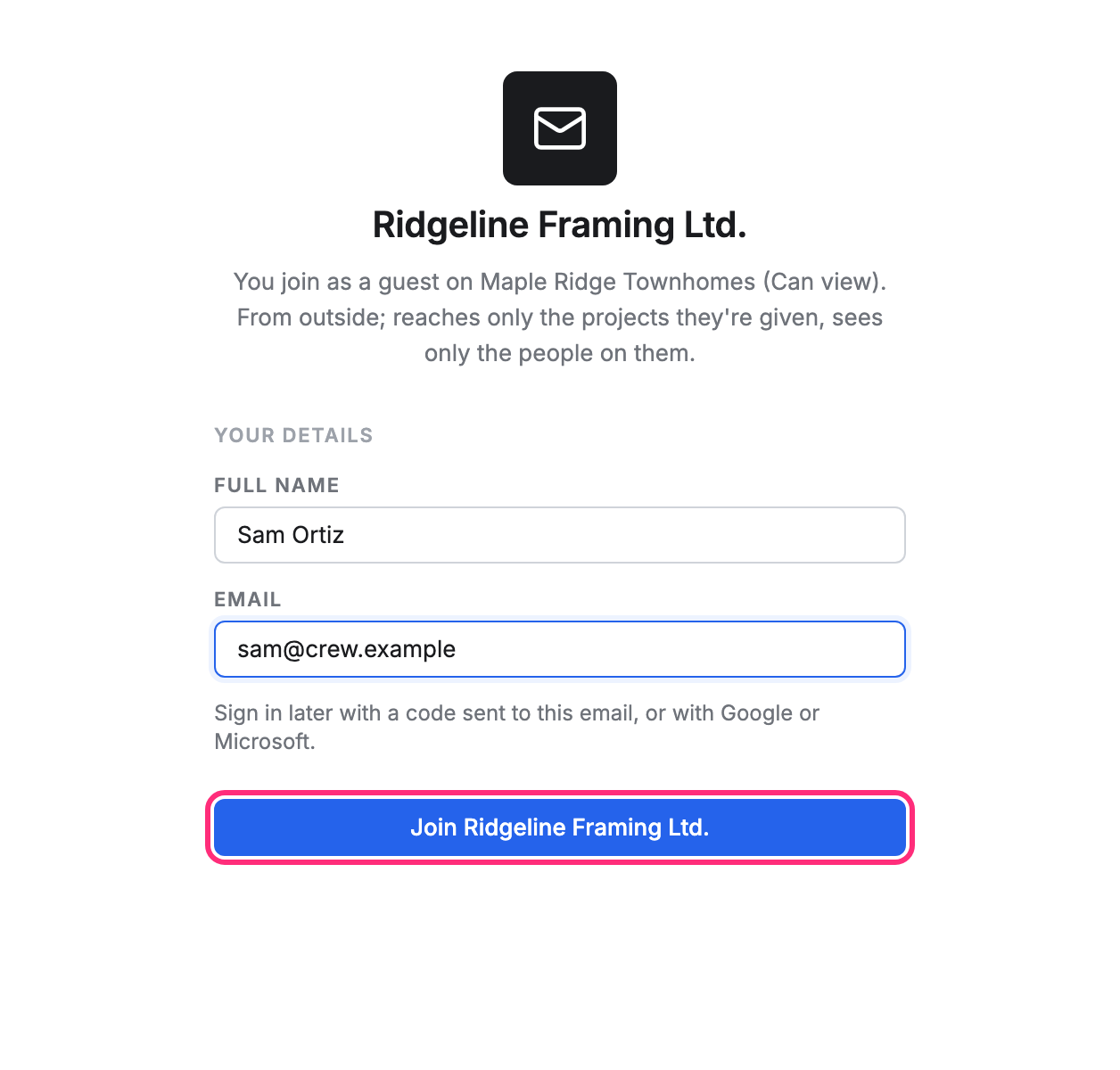
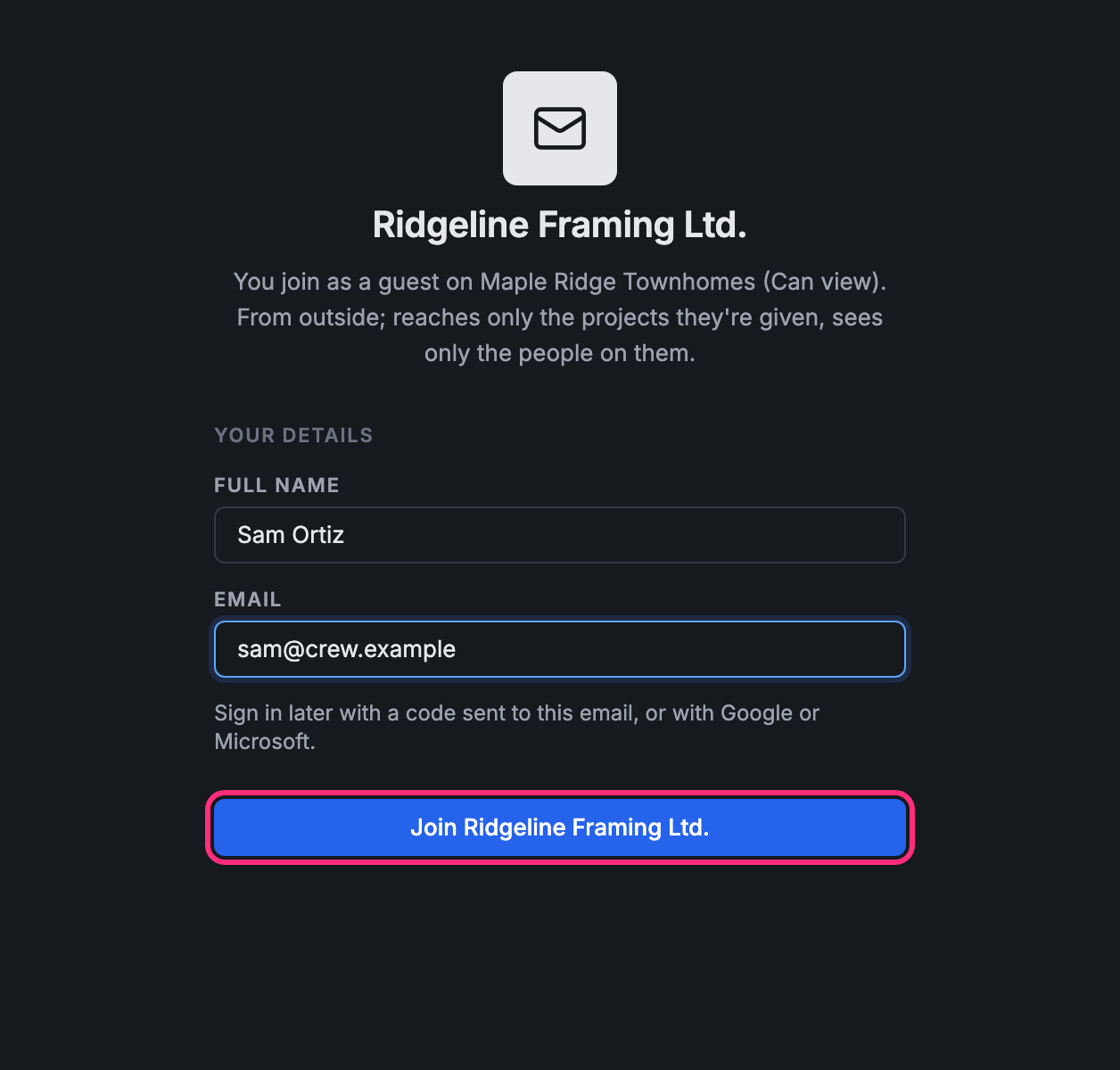
The page names the company and says how you join, for example “You join as a guest on Maple Ridge Townhomes (Can view)”. Type your Full name.
-
Type your Email. From an invite, the email it was sent to is already there and can’t be changed.
-
Press Join and the company’s name (for example Join Ridgeline Framing Ltd.).
-
Type the six-digit code we email you.
Pointmap opens your projects: the ones you’ve been given, and, as a member, every project open to members. Next time, sign in with a code sent to the same email, or with Google or Microsoft.
Already have an account?
Section titled “Already have an account?”Press Already a member? Sign in on the join page. If you open an invite while signed in to that company already, the page says so and offers Go to the company.